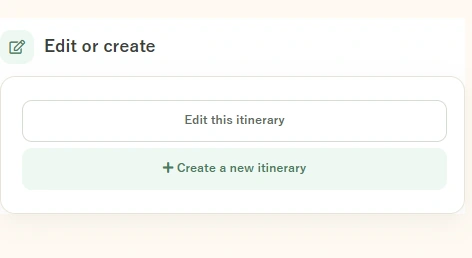
Create a Free Travel Itinerary with LepRip
You only need a trip title, date and a few destinations to begin. Add details later when plans become clearer.
Create an itinerary →

Start with a route. Make it yours in 3 steps.
- 1ChooseBrowse a Japan route.
- 2CustomizeSet dates and places.
- 3ShareSave and send a link.
You only need a trip title, date and a few destinations to begin. Add details later when plans become clearer.
What should you prepare?
You only need a trip title, date and a few destinations to begin. Add details later when plans become clearer.

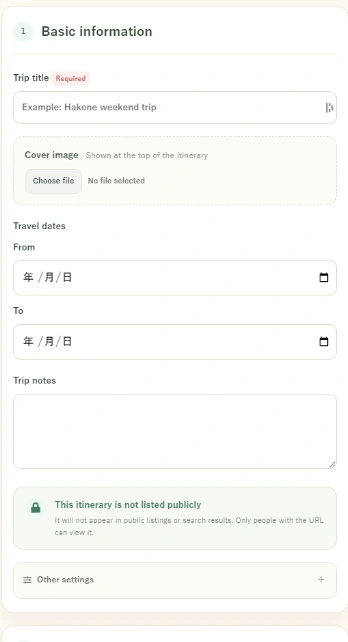
Step 1: Basic information
Open Create itinerary, enter a title and choose your travel date. You can add a main photo and travel notes if useful.
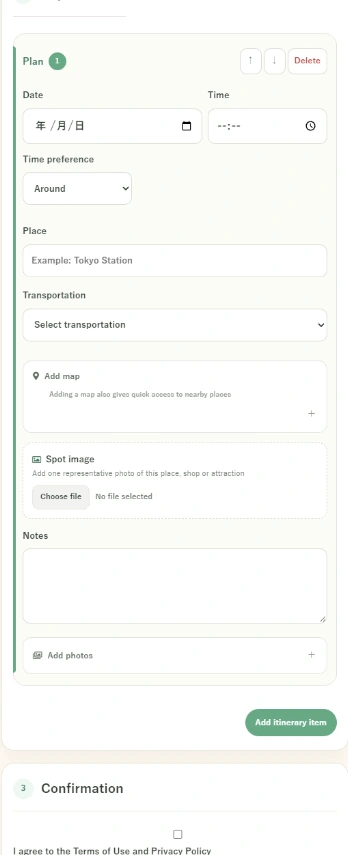
Step 2: Add stops
Under Trip schedule, set the date, time and place. Choose a travel method and add notes or images when helpful. Tap Add schedule to create another stop.
Step 3: Check the finished view
Review the order of stops, times and map links. Make sure you have allowed enough time to travel and eat.
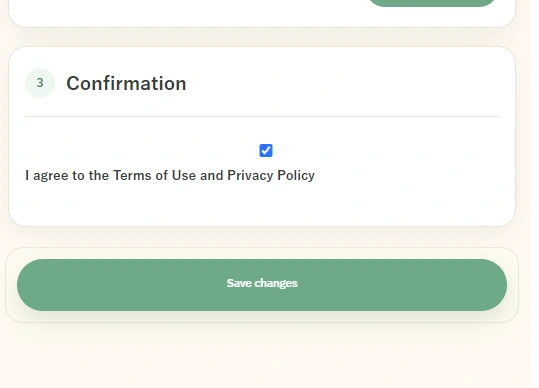
Step 4: Share
At the bottom of the completed itinerary, use Share this itinerary to send it by LINE, copy the URL or display a QR code.

Use it on the day
Open the itinerary on your phone to check the next stop. Confirm up-to-date transport information separately.